Info display tips with Leica cameras
We all use our tools a little differently. Or need tools to capture the best photographs possible. Or just need different tools for different situations. These are the times when Info display settings are great if we set these up as we need them. It is not hard, but it can make your daily life much easier.
First things first
This is the info display:
Basically, information is shown in the viewfinder or on the screen. The good news is, you can define what you see. And you can change it easily as you need something else. You just need a bit of setup, save it to your profile, and you're ready for every situation.
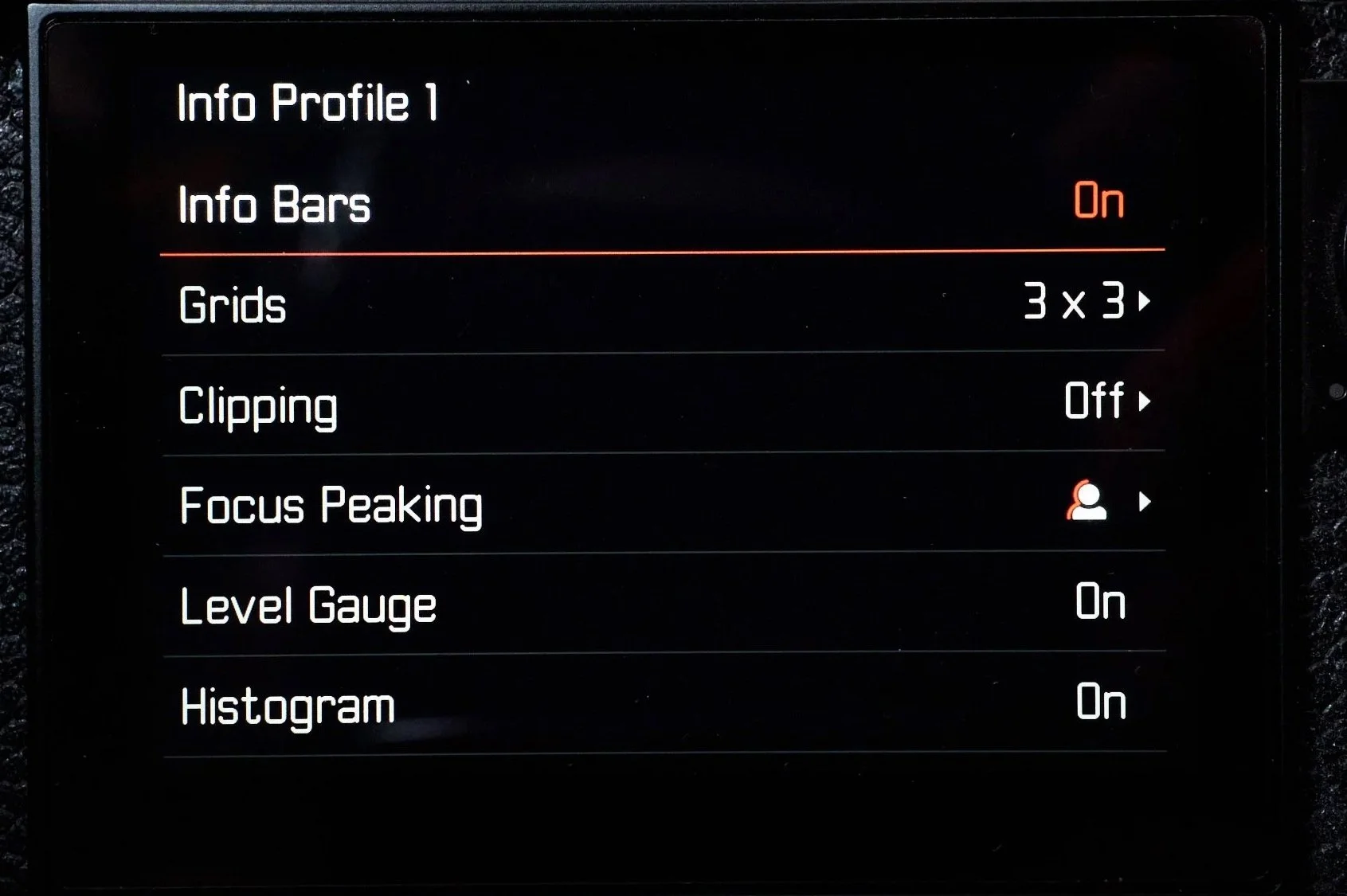
You have the options to see or not see the following things:
Info bars
Grids
Clipping (over and underexposure)
Focus Peaking
Level Gauge
Histogram
Practical considerations
I know some love to see everything just to know the camera is set up as they intend to shoot. Nice safety net. However, I often find this distracting while shooting. You're right, it is a great checkpoint, but after that, I want this plethora of information to go away. I don't need it. So in a second, with one button push, I can change it, and if I want another thing, I push the same button again, and the display changes again. Very practical.
Less info on display, less distraction.
The main thing is to see only the absolutely necessary information. Everything else is only a distraction. Guides are great for composition or lining up things when you’re looking for geometry. Clipping or histogram can be useful for seeing how you protect your highlights. Level gauge can be great if you don’t want tilted shots. It is a personal preference. Some want or need more information, so like less.
How to set it up
My example is made with a Leica M11-p, but it works almost the same with any Leica camera. I did almost the very same setup with my Q3. If you want fewer distractions while shooting, but feel that sometimes you need to know more, set up your info displays like this.
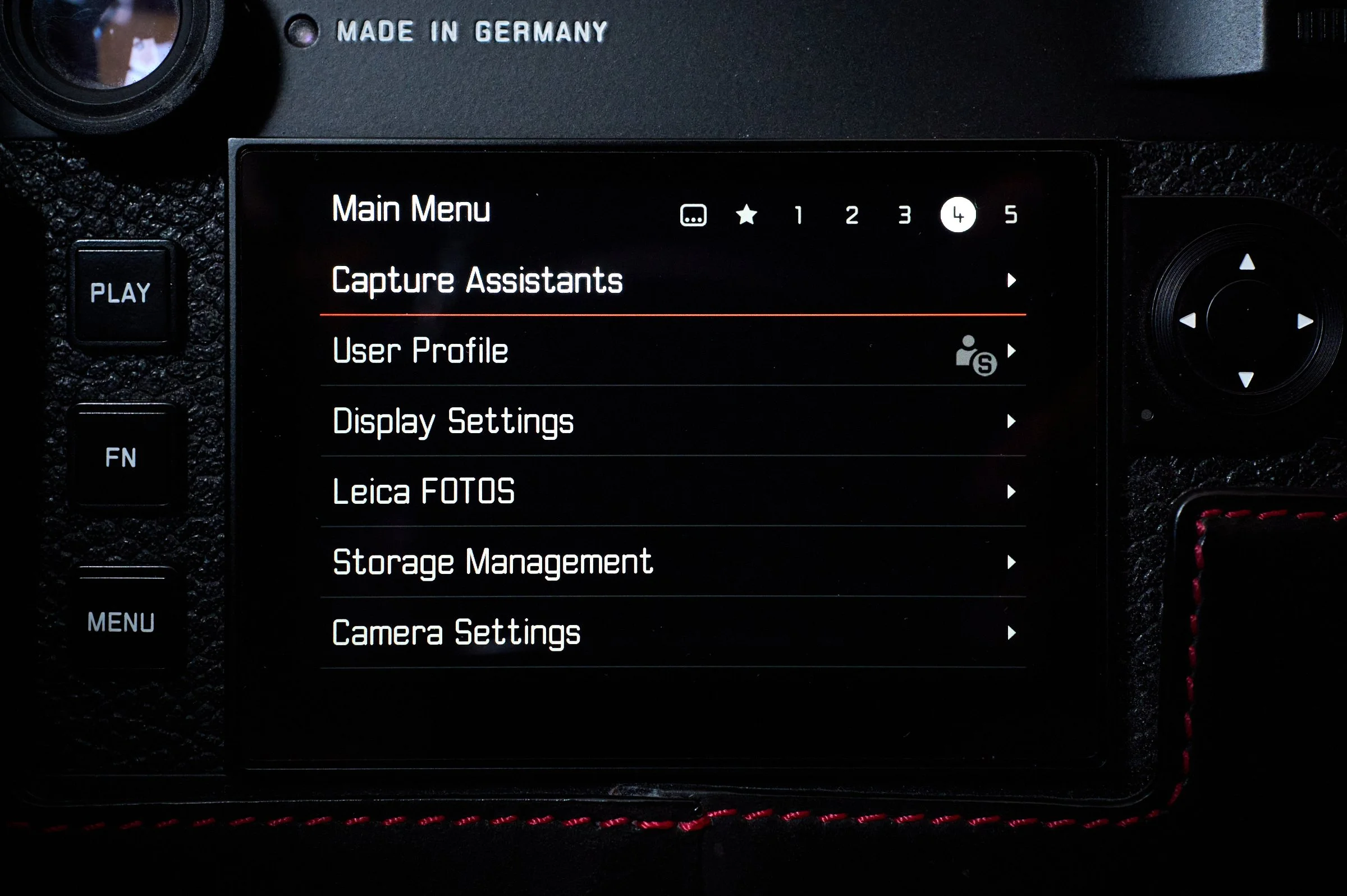
Go to main menu 4, where you can see the menu item Capture Assistans.
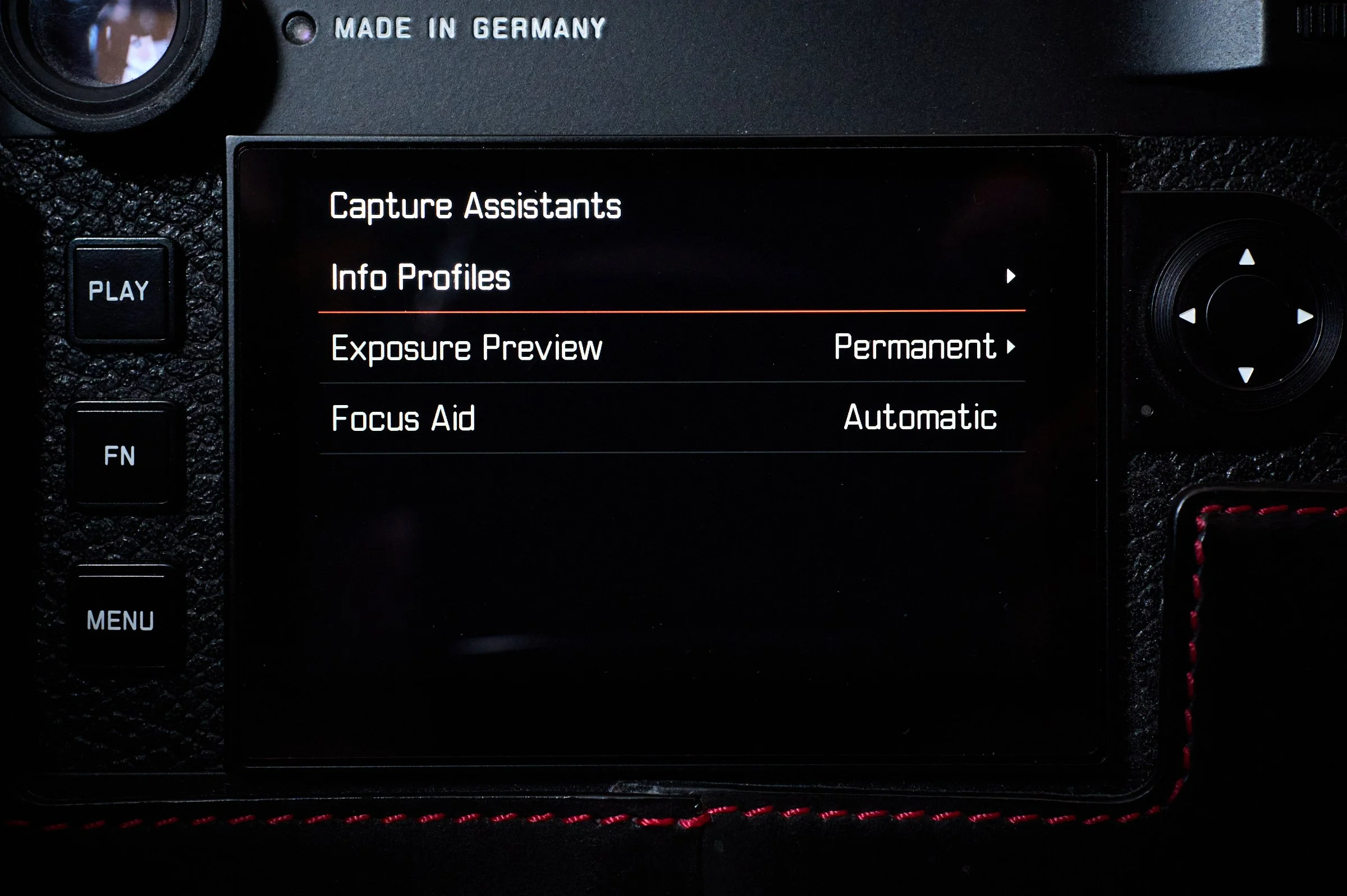
Under that, you’ll find Info profiles.
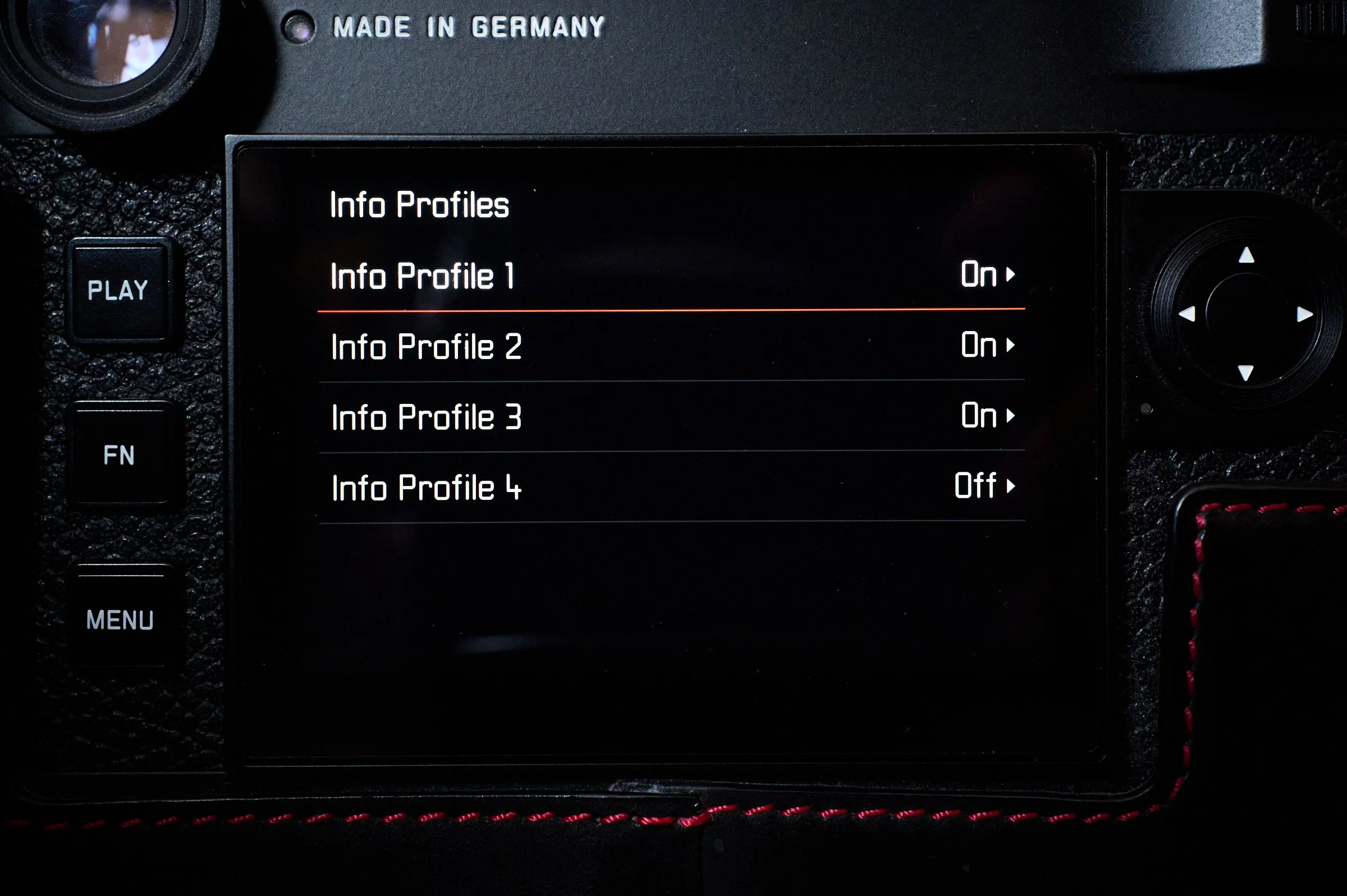
In that menu, you’ll find 4 info profile menus. These are for creating the different setups. In my case these are the following:
All information with level gauge, histogram and focus peaking
Histogram, level gauge and focus peaking off
No information, only focus peaking
No information, focus peaking off
If you haven’t changed the default knob programming, the middle button in the centre of the multidirectional pad cycles through the different info display settings.
Here’s how the menus are in the camera:
Within the Info profiles, you’ll be able to use 4 different profiles.